
Overview

Lenovo Laptop Repair

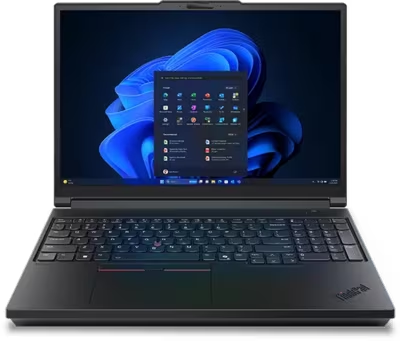
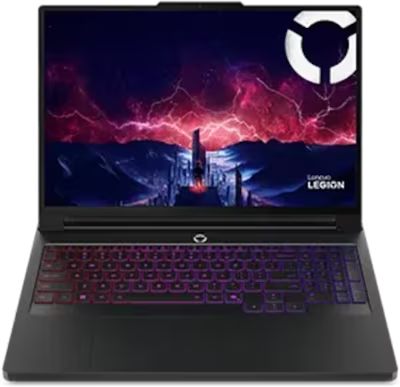
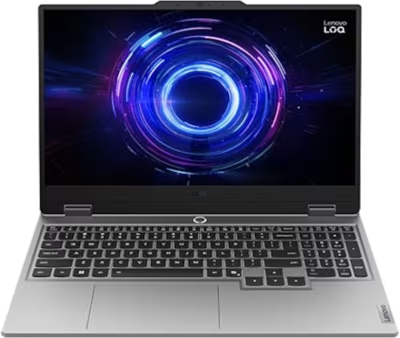
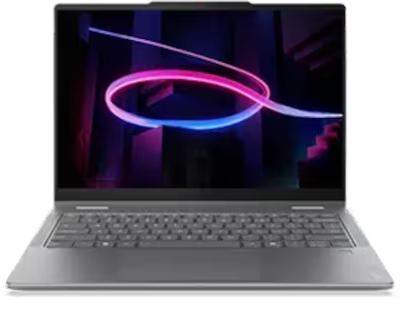
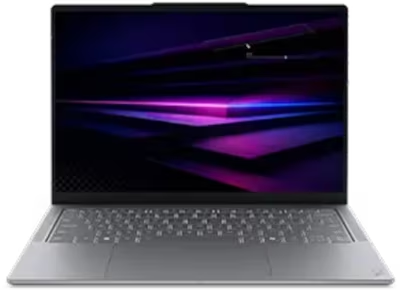
Lenovo produces laptops across business, consumer, gaming, and creator segments under several distinct lines. ThinkPad and ThinkBook cover business hardware, IdeaPad handles mainstream consumer use, Legion and LOQ serve the gaming market, Yoga covers premium 2-in-1 and creator machines, and the Slim line handles thin-and-light productivity. Failure modes differ by line — gaming machines accumulate thermal and fan wear faster, thin machines are more sensitive to port stress and display cable faults, and business hardware develops battery and dock-related faults from heavy cycling.

Brentworth reviews Lenovo mail-in repair requests when the right next step is diagnosis rather than guessing at parts. Submit intake to describe the device and the fault before anything is shipped.

Ready to start?

Use the intake form to describe the device, the fault, and the result you want. The more specific you are, the easier it is to give you a useful answer.

Start Repair
Models we repair

Choose your model

Lenovo's laptop lineup spans seven product families. Select a line below to see common faults and what Brentworth reviews for that hardware.

Common Issues

What we fix

Charging port and USB-C wear

Lenovo laptops across all lines develop charging port wear over time. Business models that dock daily accumulate port wear faster than machines used only with a cable. Thin models charging exclusively through USB-C are more sensitive to port stress than machines with dedicated barrel connectors. A port that charges intermittently or only at certain cable angles needs assessment before the board is damaged.

Thermal throttling and fan wear

Gaming and creator Lenovo laptops accumulate thermal paste degradation under sustained workloads. Fans in all lines eventually develop bearing wear. A machine that throttles during tasks it previously handled without issue, runs noticeably hotter than before, or produces new fan noise is a candidate for a thermal service.

Display and hinge faults

Display cable stress at the hinge is a common failure mode across Lenovo lines. Yoga 2-in-1 hinges see more rotational stress than standard lid hinges and can wear faster. IdeaPad and ThinkBook hinges loosen over time and can crack the lid surround if the display is forced open when stiff. Display cable faults from hinge flex present as flickering or position-dependent display behavior.

Water and liquid damage

Liquid exposure is a frequent cause of faults that are difficult to trace without board-level inspection. ThinkPad models include spill-resistant keyboards on some configurations, but this slows ingress rather than preventing board damage. Machines from all other Lenovo lines have no such protection. A Lenovo laptop that was spilled on and appears to have recovered should still be assessed — residue continues to corrode after the exterior dries.

No power and failure to start

A Lenovo laptop that does not respond to the power button may have a depleted or failed battery, a damaged charging port, or a board-level power fault. Symptoms look identical from the outside regardless of cause. Diagnosis determines where in the power delivery chain the fault is before any repair work is quoted.

Common Questions

Frequently asked questions

Do you repair all Lenovo laptop lines?

Brentworth reviews repair requests for ThinkPad, ThinkBook, IdeaPad, Legion, LOQ, Yoga, and Slim laptops. Acceptance depends on the fault, the model, and whether the repair is economically viable. Submit intake before shipping anything.

Can you fix a Lenovo laptop that won't charge or turn on?

Yes. No-charge and no-power faults are among the most common Lenovo submissions. The cause may be a worn port, a dead battery, or a board-level fault. Diagnosis determines the repair path.

Can you repair liquid damage on a Lenovo laptop?

Yes. Liquid damage submissions are reviewed on intake. Success depends on what was spilled, how quickly the machine was shut down, and which components were reached. The sooner the machine is assessed, the better the likely outcome.

My Lenovo laptop screen is cracked — can you replace it?

Yes. Screen replacement across Lenovo lines is reviewed at intake. Include the exact model and whether the display still powers on or shows any image.

Do you work on Lenovo laptops that have had previous repair attempts?

Yes, but prior repair history should be disclosed at intake. Incomplete repairs, wrong parts, or damage from incorrect disassembly affect the diagnostic process and may affect the quote.

Can you recover data from a Lenovo laptop that won't boot?

Data recovery depends on where the fault is. If the drive is intact and the board fault is isolated, it may be readable externally. If the drive has failed, recovery is a separate process. Describe the failure in intake and Brentworth will advise on the right approach.

Is it worth repairing an older Lenovo laptop?

That depends on the fault, the age, and the repair cost. ThinkPad hardware in particular tends to be worth repairing given its build quality and repairability. Brentworth gives an honest assessment — if the repair does not make sense relative to the hardware value, you will be told clearly.

Ready to start?

Use the intake form to describe the device, the fault, and the result you want. The more specific you are, the easier it is to give you a useful answer.

Start Repair

Related services

common repairs

Laptops

MacBook and Windows laptop repair for no power, USB-C charging faults, liquid damage, broken screens, hinge damage, and overheating.

View all services