


Laptop repair for MacBook and Windows systems with charging, no-power, and spill damage
Mail-in laptop repair for MacBook, Dell, Lenovo, HP, Asus, and other laptops with no power, not charging, USB-C damage, liquid spills, broken screens, hinge damage, overheating, and intermittent board faults.
Service laneLaptop Repair
This unit had a corrupt BIOS that needed flashing with a chip programmer.
How these repairs usually look in the real world
Laptop repair usually starts with the symptom the owner sees, not the actual failed part. A MacBook that only charges from one USB-C side, a Dell or Lenovo laptop that stays dead after a charger change, or a gaming laptop that shuts down under load may need connector work, liquid-damage cleanup, board-level diagnosis, thermal service, or a display assembly repair rather than a quick guess.
Charging faults, damaged USB-C ports, and laptops that only power in certain conditions
Laptop charging problems rarely stay neatly confined to the charging port. A MacBook may only charge from one side, a USB-C cable may need to be held a certain way, or the machine may show "plugged in" while the battery percentage still falls. On Windows laptops the same symptom can look like a bad battery, a dead charger, or a worn DC jack when the real issue sits deeper in the charging path. These are the cases where diagnosis matters, because a charger swap or battery swap can miss the actual failure completely.
Laptop liquid damage after coffee, water, or soda exposure
Liquid damage does not always kill a laptop on the spot. Sometimes the first sign is a sticky keyboard, a trackpad that clicks oddly, speakers that distort, a missing backlight, or random shutdowns a few days later. Sweet drinks and contaminated water can keep working their way through the board long after the spill looks dry on the surface. That is why liquid-damage laptop repair usually starts with inspection and cleanup, not just replacing the obvious broken part.
No power, black-screen startup, overheating, and random shutdown problems
Some laptops never respond to the power button at all. Others light the keyboard, spin the fans, and then sit on a black screen, or they boot fine until a game, render, or video call makes them shut off. Overheating, loud fan behavior, and throttling can point to cooling problems, but they can also overlap with damaged sensors, bad firmware, prior repair mistakes, or board-level faults. The same is true of no-power cases that look like dead batteries but turn out to be much deeper.
What diagnosis usually checks
Check charger and port behavior, including whether power changes by port, cable, angle, battery state, or adapter type.
Inspect the machine for spill residue, corrosion, burned components, hinge or display-cable damage, and signs of previous repair work.
Confirm whether the real problem is no power, no image, no backlight, unstable charging, thermal shutdown, battery failure, or intermittent boot behavior.
Decide whether the most likely path is port repair, cleanup, thermal service, display work, firmware recovery, or deeper board-level diagnosis.
What repair work may involve
Replace or rebuild damaged USB-C, DC-in, screen, keyboard, trackpad, hinge, or connector assemblies when the failure is cleanly localized.
Clean spill damage, address corrosion, and repair affected board areas when liquid exposure reached beyond the first obvious symptom.
Restore cooling with fan service, paste or pad work, or mechanical correction when overheating, throttling, or shutdowns are being driven by thermal trouble.
Move into board-level repair or firmware recovery only when the machine still fails after the simpler fault path has been ruled out.
Common Issues
No power, weak charging, battery, and USB-C or DC-in faults
Screen, hinge, keyboard, trackpad, and spill-damage cases
Thermal throttling, fan noise, shutdowns, and intermittent board faults
Typical Devices
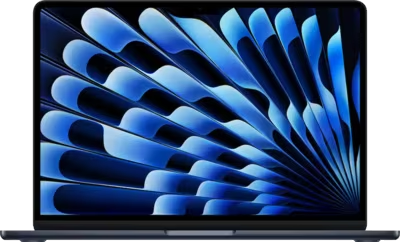
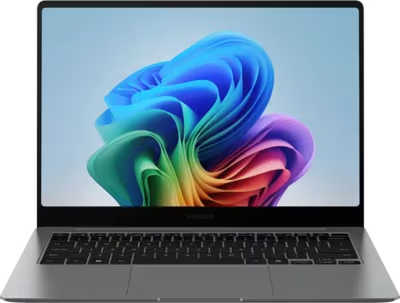
MacBook Air and MacBook Pro models with USB-C charging problems
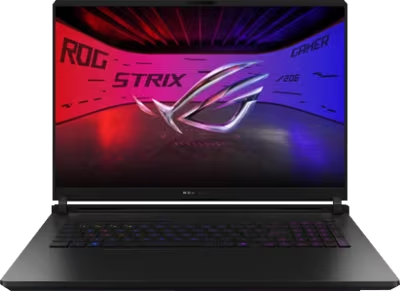
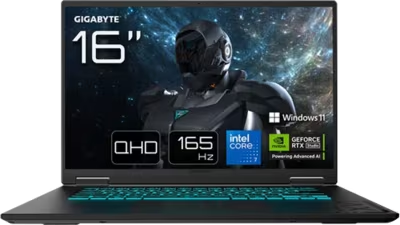
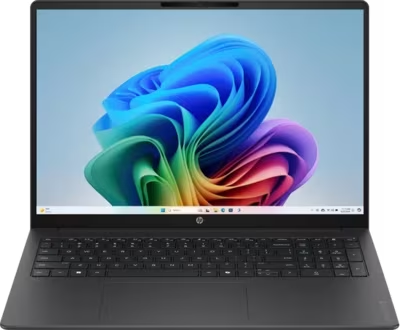
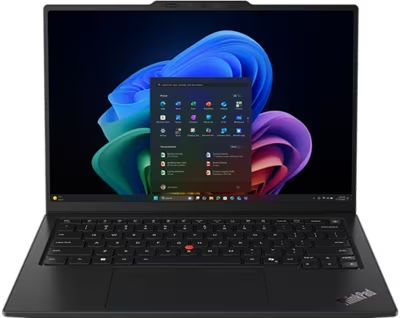
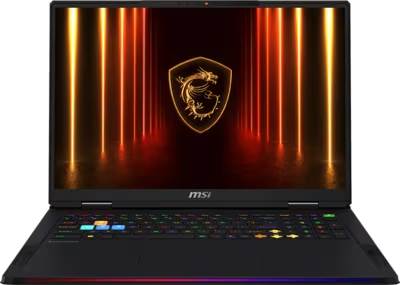
Dell XPS, Latitude, Inspiron, Alienware, HP Spectre, Envy, ZBook, Lenovo ThinkPad, Legion, Yoga, Asus ROG, and similar premium laptops
Ultrabooks and gaming laptops with power, thermal, display, or port damage
Fault Examples
MacBook not charging or only charging on one USB-C port
Laptop powers on with the charger connected but dies on battery
Laptop liquid damage after coffee, water, or soda exposure
Broken screen, no backlight, flicker, or hinge-related display cable damage
Laptop overheating, loud fans, thermal throttling, or random shutdown under load
How the mail-in process works
Start with the intake form so Brentworth can review the device, the fault, and any repair history before you ship. If the job looks like something Brentworth can take on, you'll get a reference number and a reply telling you what to do next.
Submit the intake with the device model, the current fault, and any liquid damage, impact, or prior repair history.
Include the reference number with the package so the device can be logged quickly when it arrives.
Expect diagnosis before chargeable work is approved, especially for intermittent, board-level, or high-value failures.
Related Services
Explore other repair categories
Brentworth also works on nearby categories in case the problem sits across more than one device type.
Specialty electronics and uncommon high-value hardware that need real diagnosis, not guesswork.
Start Intake
Ready to send in this device for review?
Use the intake form to describe the model, the symptoms, and anything that happened before the problem started. Brentworth will reply with what to do next and the reference number to include with your package.